

Module Progress
0% Complete
Content
Overall presentation of nine important areas of areas when it comes to teaching and train senior citisens.
Learning objectives
The IT trainers will be introduce to the most common and best tools to be able to teach senior learners how :
- to paint and be creative using different tools on an I-pad
The IT trainers will be given the opportunity to use these tools in practice.
Methodology
- Power point presenting the best opportunities and tools.
- Practical Exercises.
Duration
2 to 4 lessons
Material for inspiration
The senior learners will be introduced to have
- to paint and be creative using different tools on an I-pad


We will look into:
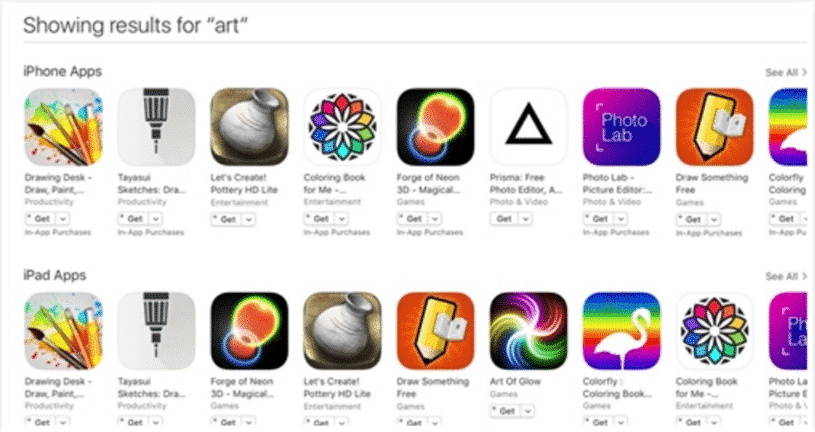
The easy and cheap ones: